
How Ad Blockers Affect Your Revenue (2026)
See how ad blockers impact revenue in 2026, where the losses show up, and how to test ad block recovery without hurting UX.
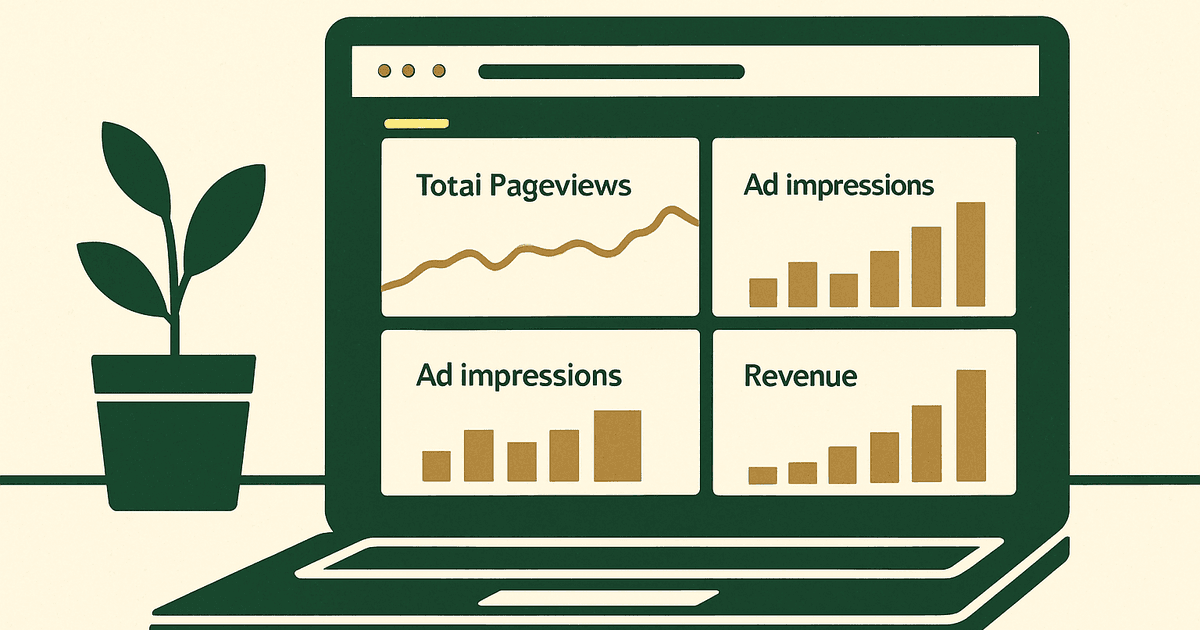
Ad blockers impact revenue by preventing part of your traffic from ever generating normal display ad impressions. In practice, that means fewer served ads, lower monetized pageviews, and weaker page RPM or session RPM than your raw traffic suggests. The size of the hit varies by niche, geography, device mix, traffic source, and season, but it is often more noticeable on desktop-heavy and more technical audiences. If you are trying to benchmark what your unblocked traffic should earn, start with display ad earnings so you can separate pricing issues from blocker-driven inventory loss.
The key thing to understand is that ad blocker revenue loss is not one universal percentage. A recipe blog with mostly mobile search traffic may see a very different impact from a software site, gaming community, developer tool, or privacy-focused publication. As of 2026, approximately, some publishers see modest loss while others see a meaningful share of pageviews that never monetize through standard display ads at all.
How much ad blockers impact revenue in 2026
What ad blockers actually block on a monetized site
Ad blockers usually do not just hide a banner visually. They often block the ad request itself, the auction script, the ad server call, tracking pixels, or parts of your wrapper and consent flow. That means the loss happens upstream: no request, no auction, no impression, and no revenue. On some setups, blockers can also interfere with lazy loading, header bidding adapters, analytics events, or viewability measurement.
Why the revenue hit is different for blogs, tools, forums, and publishers
Different site types attract different user behavior. Blogs that rely on broad search traffic often have a lower concentration of blocker-heavy users than software, gaming, developer, finance, or privacy-focused audiences. Tools and forums also tend to have more repeat visitors, and repeat direct visitors are often more likely to install blockers than one-time search visitors. That can make two sites with similar pageviews produce very different ad revenue.
- Blogs with broad mobile search traffic are often less exposed than desktop-heavy technical sites.
- Tools, SaaS-adjacent sites, gaming sites, and developer communities often feel the hit more sharply.
- Younger-skewing audiences and privacy-aware readers typically block ads more often.
- Revenue loss tends to be more visible when a large share of visits comes from desktop and direct traffic.
Why ad blockers impact revenue more than most site owners expect
Blocked impressions vs blocked users
Most site owners think in terms of blocked users, but the more useful lens is blocked monetization opportunities. A single user may generate multiple pageviews and multiple ad slots per session. If those requests are blocked, the effect compounds quickly. A blocker-heavy segment can suppress a disproportionate amount of total inventory, especially on high page-depth sessions.
How ad blockers can distort your RPM and pageview reporting
This is where operators get tripped up. If analytics counts a pageview but your ad stack never gets a chance to render, your ad network may show weaker page RPM than expected. You may conclude your niche has low advertiser demand when the real issue is that part of your audience never enters the ad auction. The same thing can skew A/B tests, ad placement decisions, and template optimization because you are working from incomplete monetization data.
Blockers can also interfere with script loading and consent frameworks. Depending on how your setup is wired, a blocked script might mean lost demand competition, fewer viewable opportunities, lower measured fill, or incomplete analytics attribution. So even when the user is on-page, your reporting may understate how much monetizable traffic you actually had.
Where ad blocker revenue loss shows up in your metrics
Metrics worth checking before blaming ad blockers
Before you assume blockers are the whole problem, check the basics. Weak RPM can also come from poor placements, low viewability, slow pages, bad CLS, weak geographies, or seasonal demand. But if you see persistent gaps between traffic and monetized inventory, ad blockers are a strong suspect.
- Analytics pageviews or sessions
- Ad network pageviews or ad-eligible sessions
- Served impressions
- Viewability
- Fill rate
- Page RPM and session RPM
- Desktop vs mobile performance
- Template-level differences by page type
Simple ways to estimate lost ad inventory
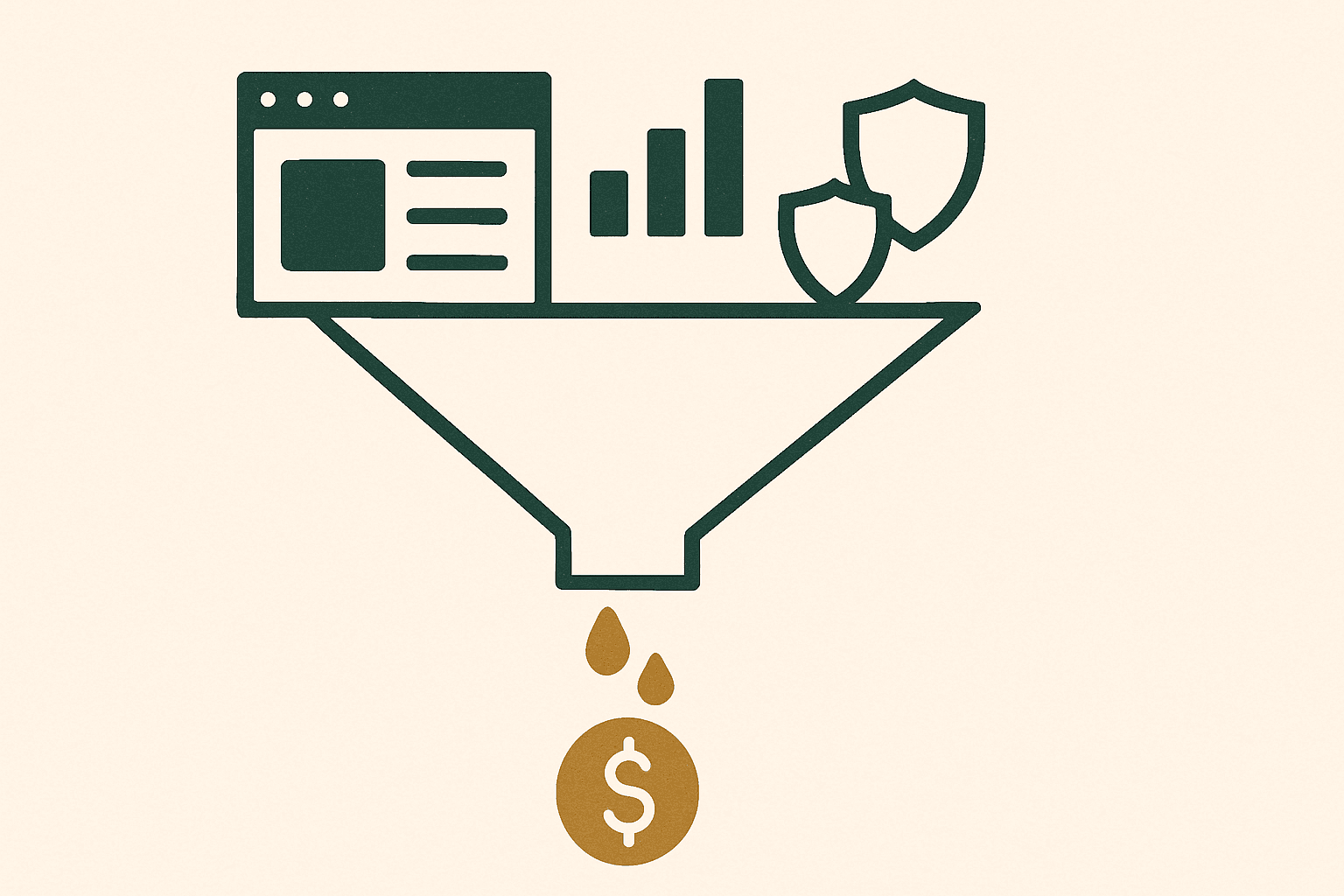
A simple operator method is to compare your analytics platform's pageviews to the ad network's counted monetized pageviews or impression opportunities. Some discrepancy is normal because of refresh behavior, consent, bounce timing, and reporting differences. But if analytics consistently shows much more traffic than your ad stack can explain, especially on desktop, that is often where ad block recovery deserves testing.
| Signal | What to compare | What a gap may mean |
|---|---|---|
| Pageviews | Analytics vs ad network counted pageviews | Possible blocked sessions or script failures |
| Impressions | Expected slots per page vs actual served impressions | Blocked requests, low viewability, or lazy-load issues |
| RPM | Desktop RPM vs mobile RPM | Desktop blocker usage may be suppressing revenue |
| Templates | Article pages vs tool pages vs forum pages | Certain user segments may block ads more often |
Which sites are hit hardest by ad blockers
Audience segments with higher blocker usage
The most exposed sites usually serve audiences that are more technical, more privacy-conscious, or more habituated to installing browser extensions. Common examples include software, gaming, developer, finance, crypto, privacy, and some younger-skewing communities. If your traffic is mostly from people who live in browsers all day, assume blocker usage is not trivial.
Device and geography patterns that change the revenue impact
Desktop traffic often has higher blocker usage than mobile web traffic, which is one reason some publishers see a strange pattern where desktop engagement looks strong but desktop ad revenue underperforms. Geography matters too. Higher-income and more privacy-aware markets may use blockers more often. Mobile app traffic behaves differently from mobile web, so do not lump those together when diagnosing losses.
How to reduce ad blocker revenue loss without hurting UX
Ad block recovery options that are worth testing
The best ad block recovery strategies are usually the least aggressive. Start with measurement, then test polite messaging, cleaner layouts, faster pages, and lighter ad stacks. Some publishers also test server-side delivery or recovery tooling where appropriate, but the right answer depends on your stack, your audience, and your tolerance for UX tradeoffs.
- Improve speed so ad scripts and consent flows load reliably
- Reduce layout shift and clutter so users feel less pressure to install blockers
- Use sensible ad density and placements
- Test a polite message asking users to whitelist your site
- Evaluate recovery tech carefully instead of assuming it is free money
When anti-adblock popups are a bad tradeoff
Hard anti-adblock walls can recover some impressions, but they can also reduce trust, suppress repeat visits, and hurt engagement. That is especially risky for content sites that depend on search loyalty, newsletter growth, or brand affinity. In many cases, tightening the experience and improving standard monetization on unblocked traffic gives you a better long-term outcome than pushing every blocked user into a confrontation.
Before testing recovery walls, fix the fundamentals. Better placements, better speed, and stronger UX often raise revenue on the inventory you already have. If you need help there, review ad placement best practices before assuming blockers are your main problem.
How major ad networks handle blocked traffic
Better RPM does not equal blocker immunity
No ad network magically makes ad blockers disappear. AdSense, Ezoic, Monumetric, Mediavine, and Raptive can only monetize inventory that is actually allowed to render. If the ad request or auction never happens, even a premium network cannot monetize that pageview through normal display ads.
When switching networks helps anyway
Switching networks can still help because better demand, better layout testing, and stronger optimization can increase RPM on unblocked traffic. As of 2026, approximately, AdSense is the common entry point for small sites; Ezoic commonly works with lower traffic entry points; Monumetric is often around entry-level tiers beginning near approximately 10,000 monthly pageviews; Mediavine is around approximately 50,000 sessions; and Raptive typically requires a higher threshold than that. Those platforms differ more in demand quality, account support, and optimization than in any special immunity to blockers.
| Network | Typical entry point as of 2026, approximately | What changes if blockers are present |
|---|---|---|
| AdSense | No formal traffic minimum | Can monetize only unblocked impressions |
| Ezoic | Lower traffic entry points commonly available | May improve RPM on allowed inventory, not blocked inventory |
| Monumetric | Around 10,000 monthly pageviews for entry-level tiers | Optimization may help, blockers still reduce total inventory |
| Mediavine | Around 50,000 sessions | Strong demand can lift RPM, but blocked users remain blocked |
| Raptive | Typically higher than Mediavine | Helps on quality inventory, not on traffic that never renders ads |
On earnings, the gap matters more than the brand name. As of 2026, approximately, display RPMs can range from low single digits to much higher double digits depending on niche, geography, and season. If blockers are removing a meaningful share of monetizable sessions, even a higher-RPM network is only optimizing the part of traffic it can still reach.
Alternative monetization if ad blockers impact revenue heavily
Revenue streams that are less exposed to ad blockers
If a meaningful chunk of your audience never sees display ads, the obvious answer is diversification. Affiliate content, email funnels, sponsorships, digital products, memberships, lead generation, and proprietary tools are all less exposed to classic ad blocker behavior than standard display units.
How to balance display ads with direct monetization
Think in total revenue per session, not just display ad RPM. A site with moderate ad earnings plus strong affiliate and product revenue is often more resilient than a site chasing maximum ad density. This is especially true for audiences that are technically savvy and less likely to tolerate heavy ad experiences.
What I’d actually do on a site losing revenue to ad blockers
A simple testing order for publishers
- Estimate the gap between analytics pageviews and monetized pageviews.
- Break that gap out by desktop, mobile, geography, and page template.
- Improve speed, ad density, and placements before testing any recovery wall.
- Compare RPM gains on unblocked traffic against any engagement loss from recovery messaging.
- Diversify into monetization that does not depend on a client-side display impression.
How to estimate whether recovery efforts are worth it
Model the economics before you add friction. If blocked sessions are a small share of your high-value pages, aggressive recovery probably is not worth the UX cost. If they are concentrated on your best desktop templates, even a modest lift can matter. The right question is not 'Can I recover some ads?' but 'Does this increase total revenue without damaging retention?'
On a premium network, roughly $1,294–$2,588/mo at this traffic
If you want the broader framework for evaluating networks, placements, RPM, and diversification together, go back to the main display ad monetization guide and work through the stack in that order.
How much do ad blockers impact revenue for publishers?
Can ad block recovery increase earnings without hurting user experience?
Do ad networks like AdSense or Mediavine prevent ad blocker revenue loss?
Should I use anti-adblock popups on my website?
Get the next guide by email
One practical email when we publish.